Celledig Store
A web storefront for a tech shop in Viedma, Argentina. Peso prices update on their own with the day's dollar rate, and orders still arrive on WhatsApp.
- For
- Celledig, a tech shop in Viedma
- Year
- 2026
- Role
- Design, development and operations, solo
- Stack
- Ruby on Rails 8, Hotwire, SQLite, Tailwind, Kamal
In use
From the catalog to the order. Pick an iPhone, fill in your details, choose delivery and payment. The order goes out over WhatsApp. The site is in Spanish.
The problem
Celledig is a shop in Viedma, Argentina, that sells phones, laptops, consoles and cameras, new and used. The price list was an Excel file with about 130 devices. When someone asked on WhatsApp, they got the Excel file.
Each device had a price in dollars, one in pesos at the day’s rate and one for bank transfer. When the dollar moved, the list had to be redone. The spreadsheet also didn’t say how much battery a used phone had left or whether it came with the box, so those questions came in all day.
The owner didn’t want to sell online. Sales had to keep closing in the shop or over chat.
What we built
A website where people look for a device on their phone, see the photos and the specs, and tap Buy. A short form opens, and when they send it the full order arrives on the shop’s WhatsApp.
Each model, for example “iPhone 15 128GB”, is added once. Then the units in the shop are added to it. Used units have their own photos, battery and warranty. When a unit sells, stock goes down.
The owner enters the day’s dollar rate and the peso prices update. To avoid typing 130 devices by hand, we imported the Excel file at the start. Inventory and sales can be exported to Excel again when needed.
Where it is today
The site is live at celledigstore.com.ar. The shop adds devices, prices and offers from its own panel, on a computer or a phone.
What it does
-
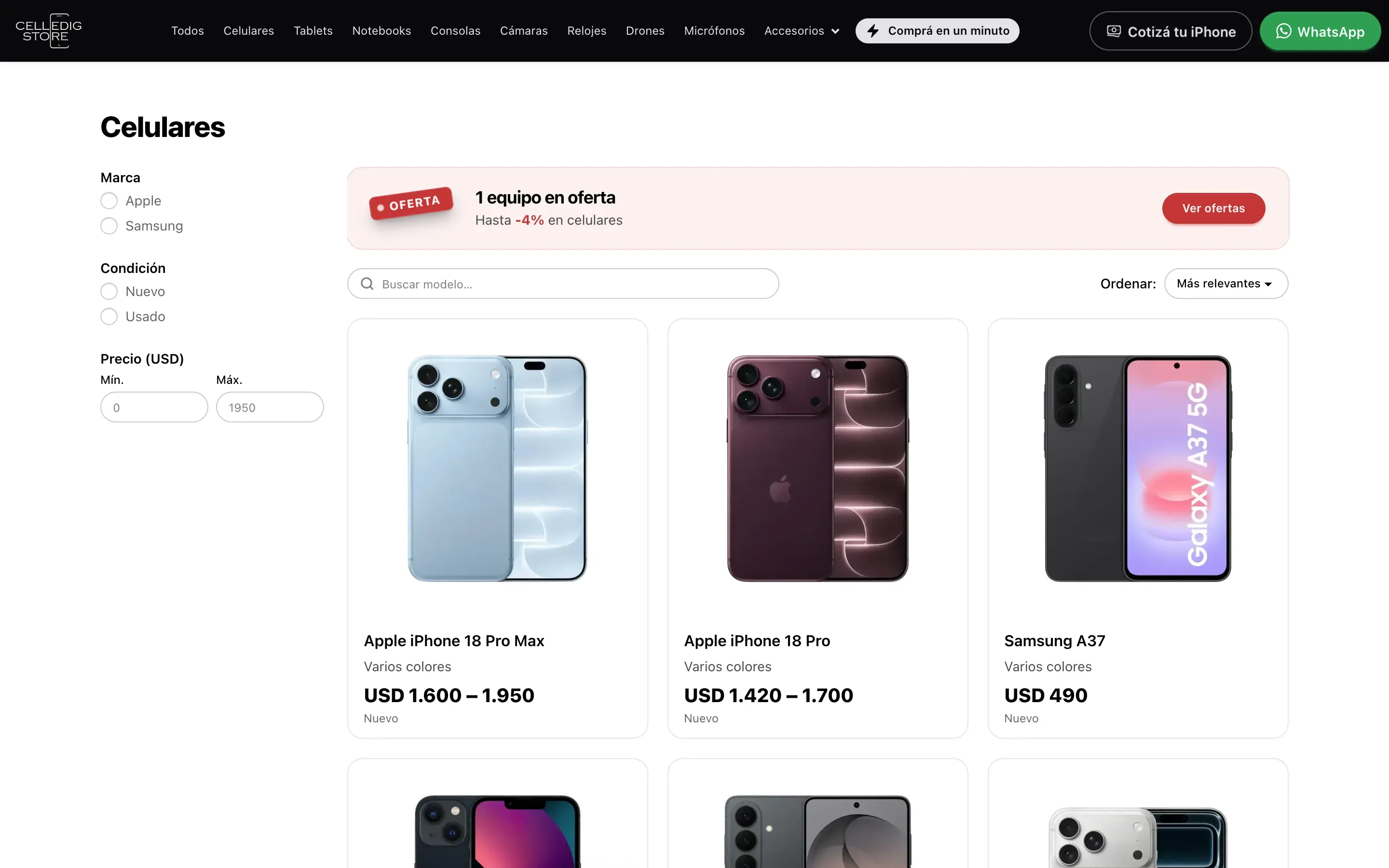
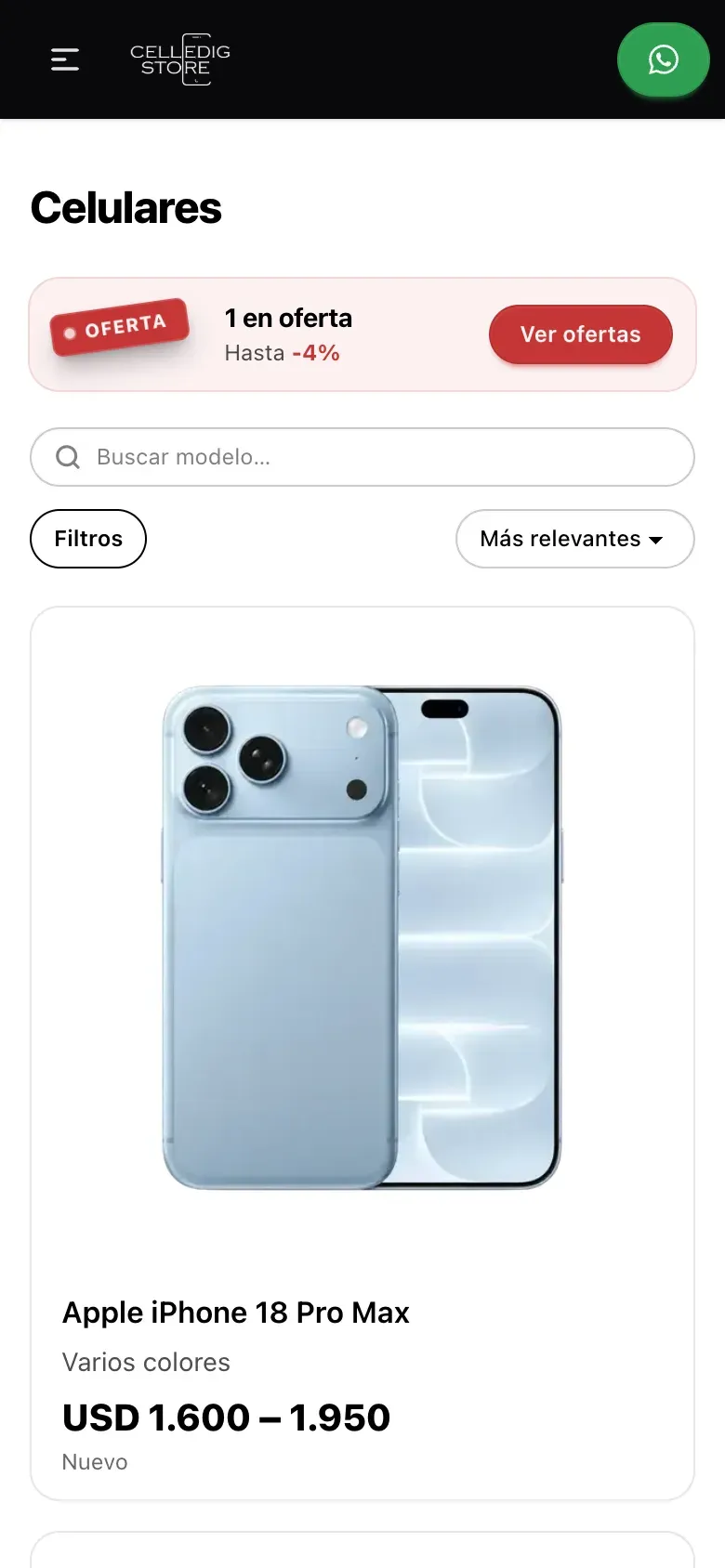
A catalog with filters for each kind of device
Each category has its own filters. For phones: brand, storage, colour, price and condition. Consoles do not show RAM. When there are offers, a notice at the top says how many and shows only those.
-
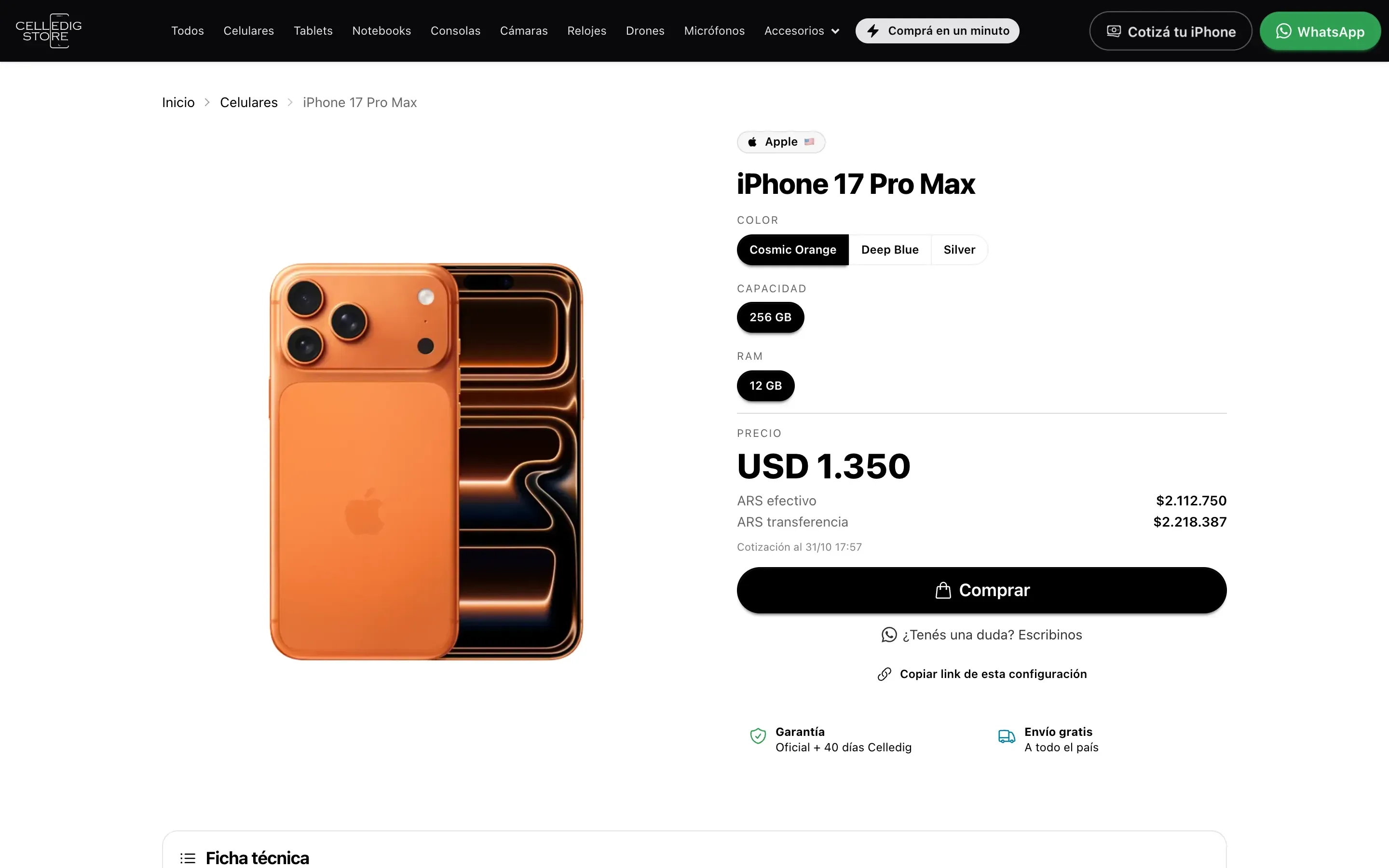
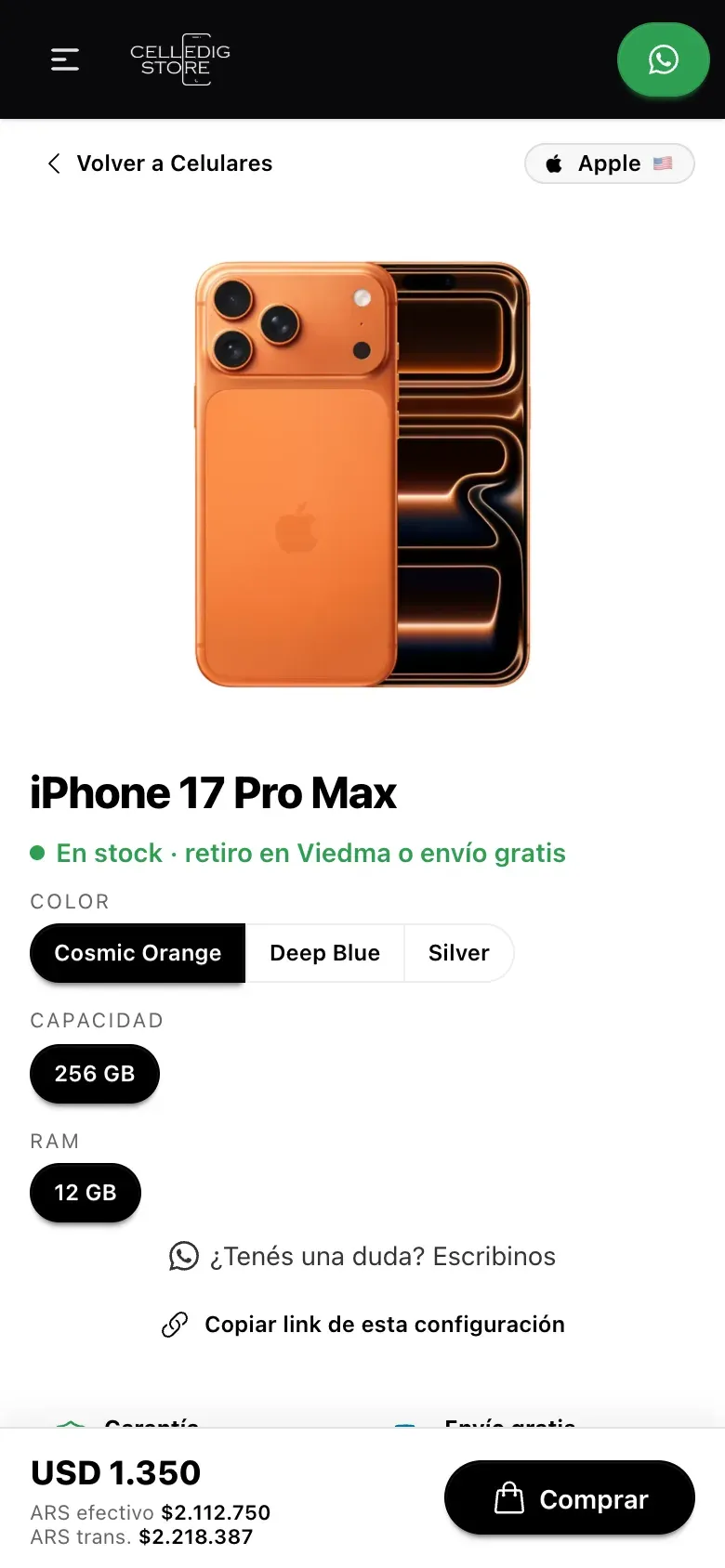
One page, three prices
Colour, storage and RAM are picked on the same page. Under the price in dollars are the cash and bank transfer prices in pesos, at today's exchange rate. Used devices show battery health, the warranty left and photos of the actual device.
-
The order arrives ready on WhatsApp
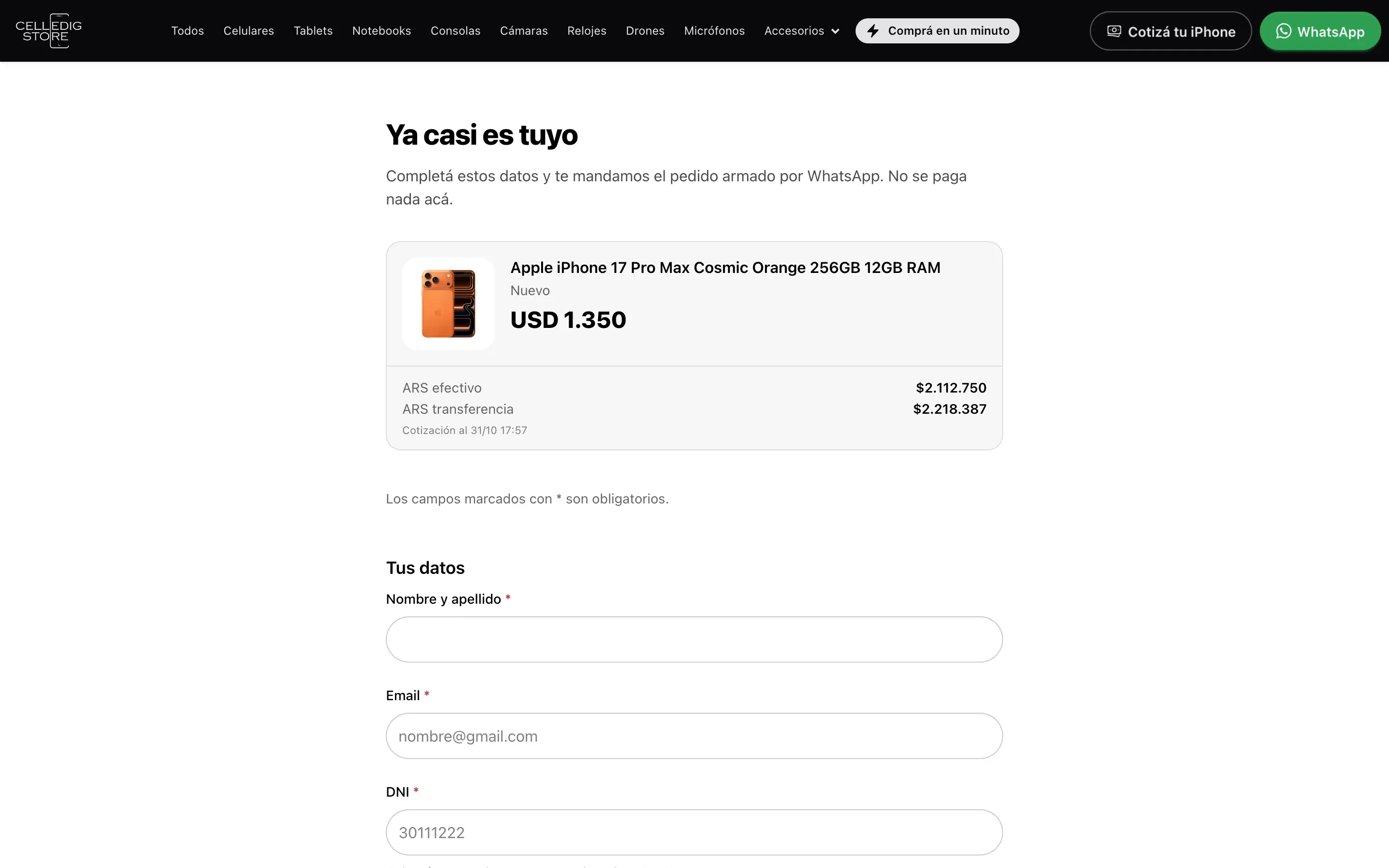
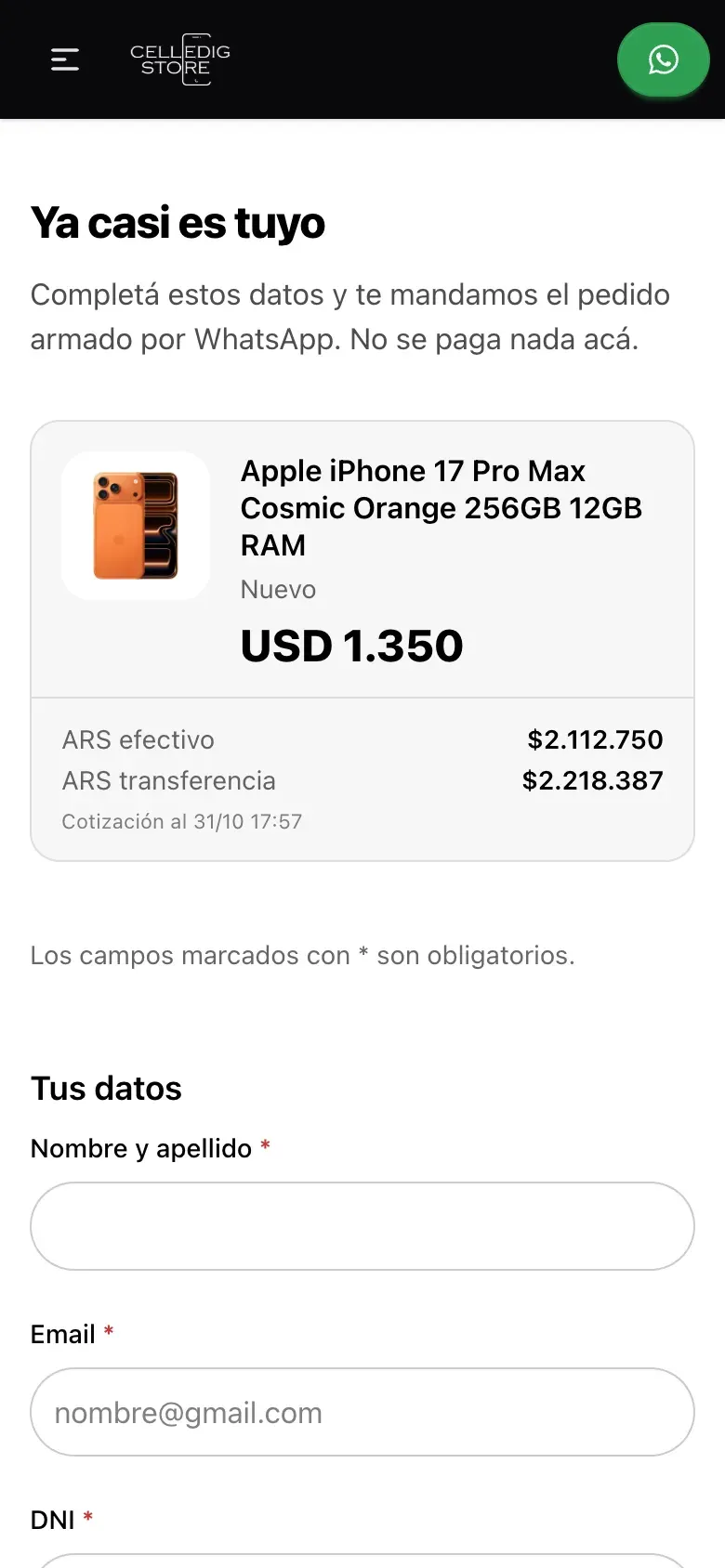
There is no online payment and no cart, on purpose. The form asks only for what the shop needs: name, email, ID number, delivery and, optionally, how the customer will pay. Sending it opens WhatsApp with the order written out.
-
A trade-in quote for used iPhones
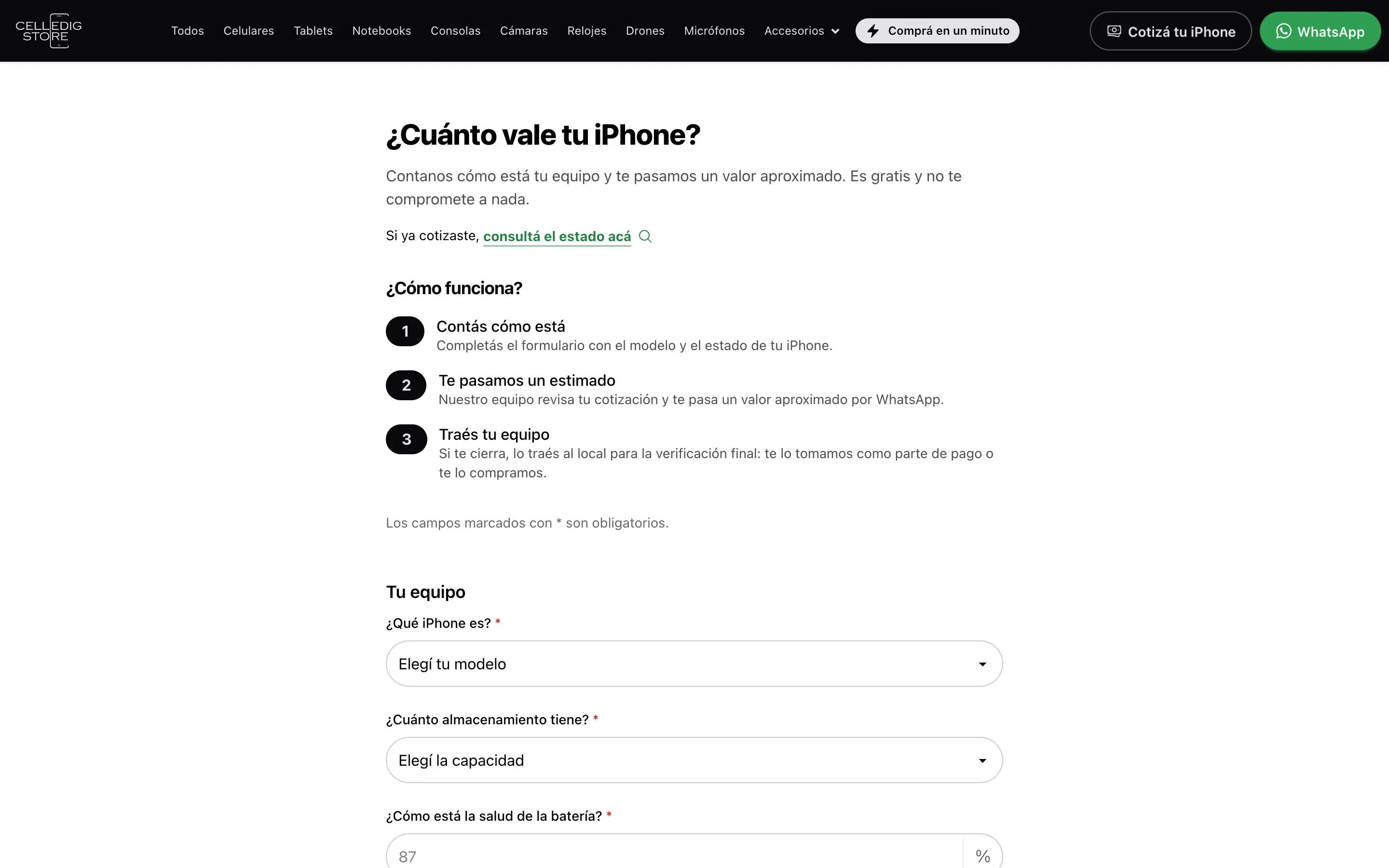
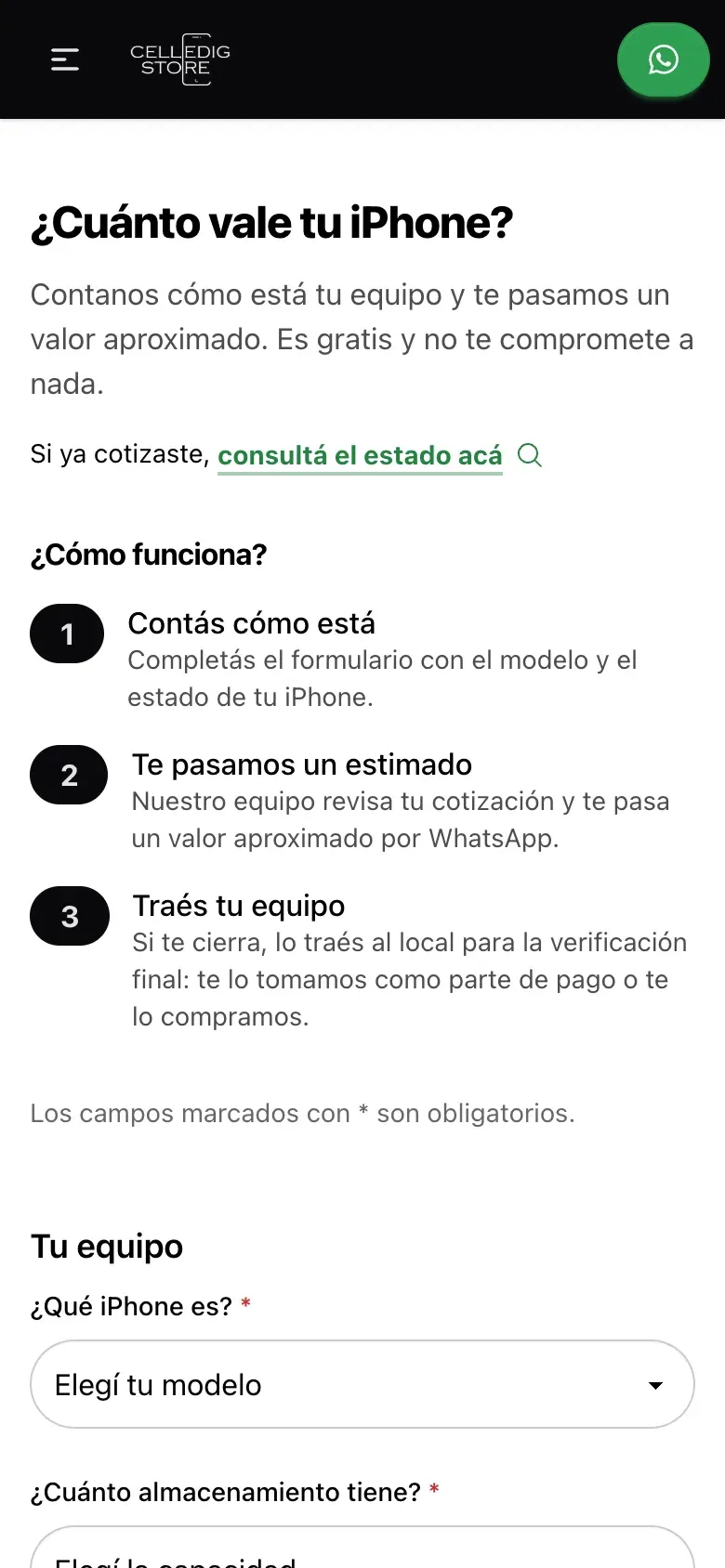
A customer who wants to trade in an iPhone enters the model and its condition and gets a code. Someone at the shop prices it from the admin panel and answers on WhatsApp. That value is then taken off the purchase.
-
Add a new device from a link
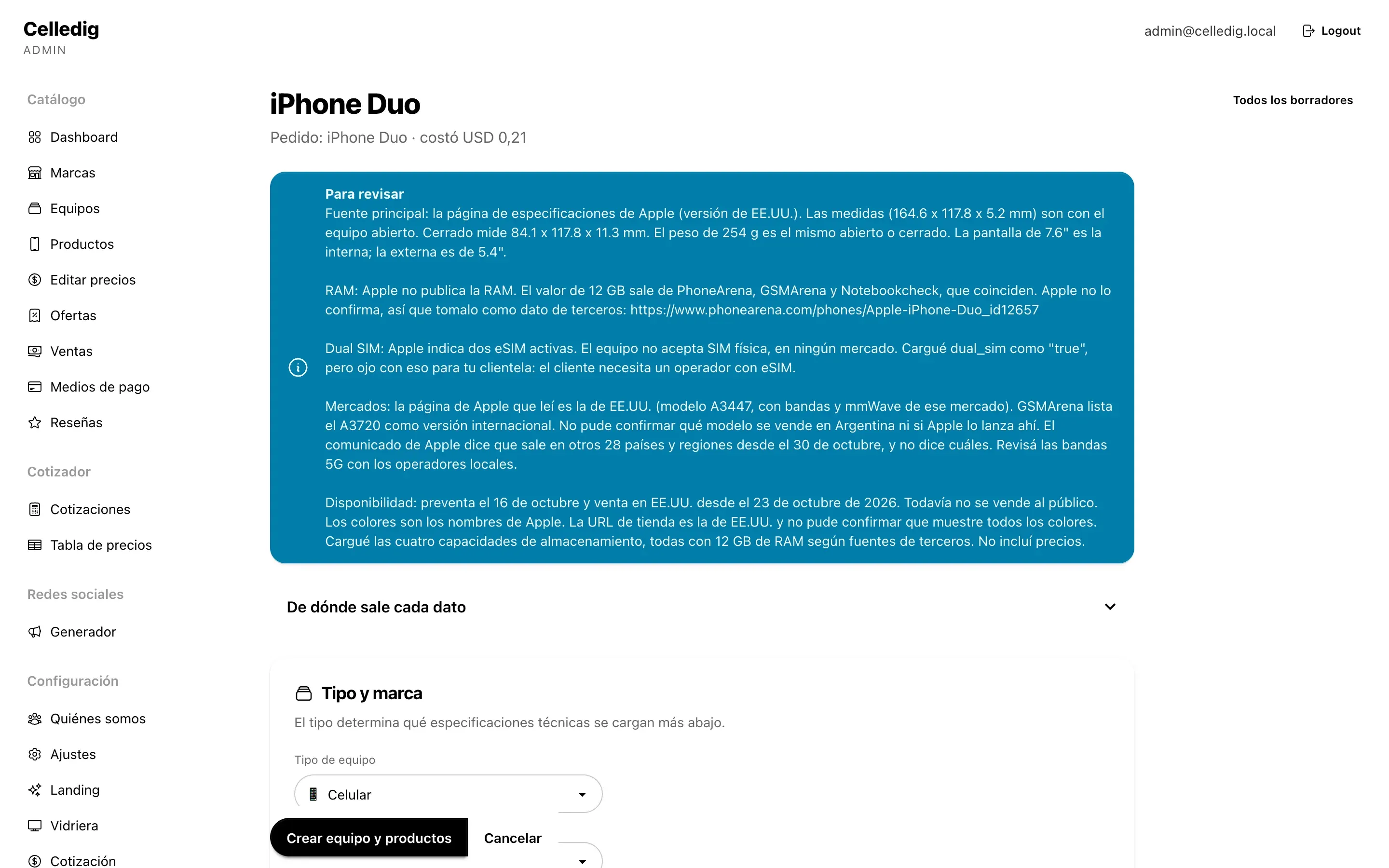
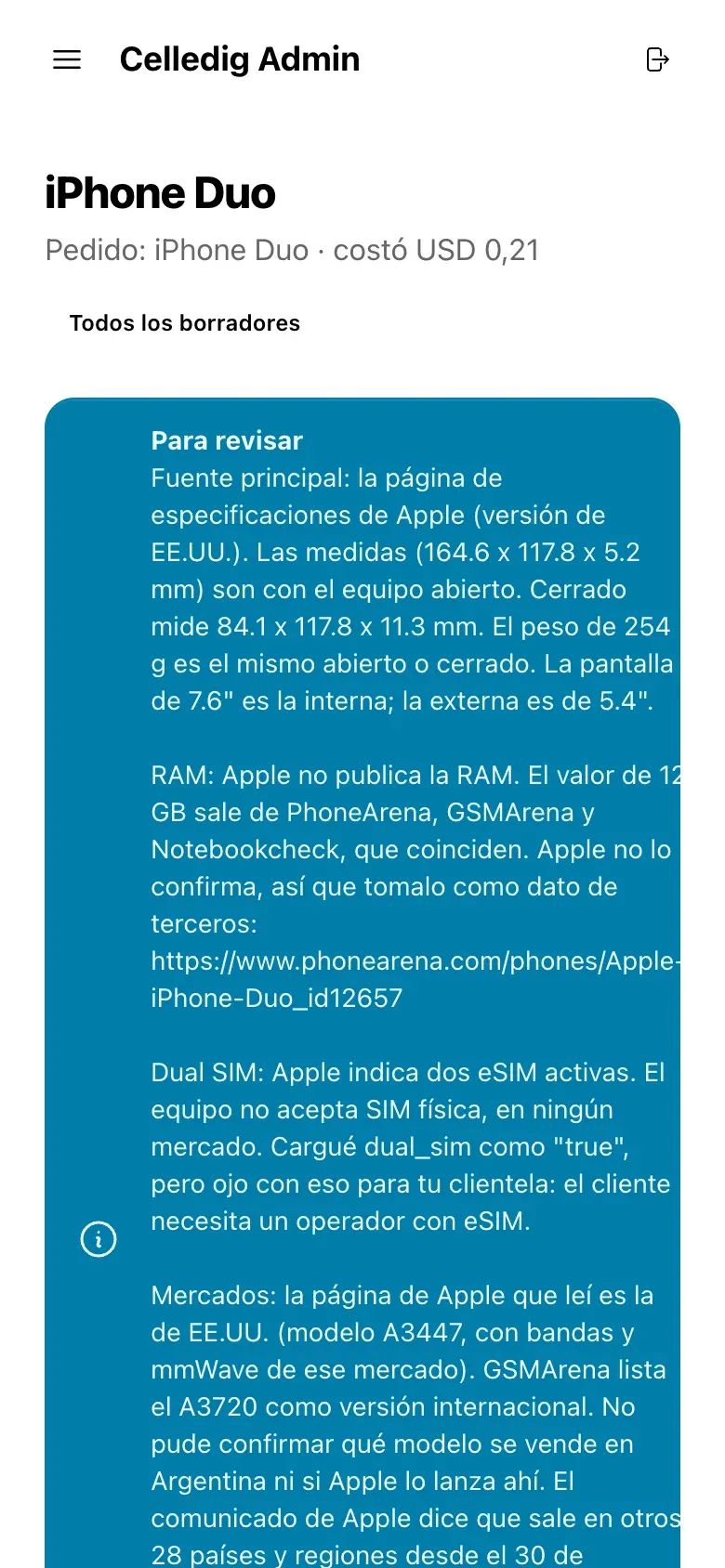
In the admin panel, paste the link to the official product page or type the device name. In a minute or two a draft arrives with specs, description and photos for each colour. Every value says which page it came from. Anything that could not be confirmed goes into a "To review" box, and nothing is published until a person checks it.
-
Many prices in one table
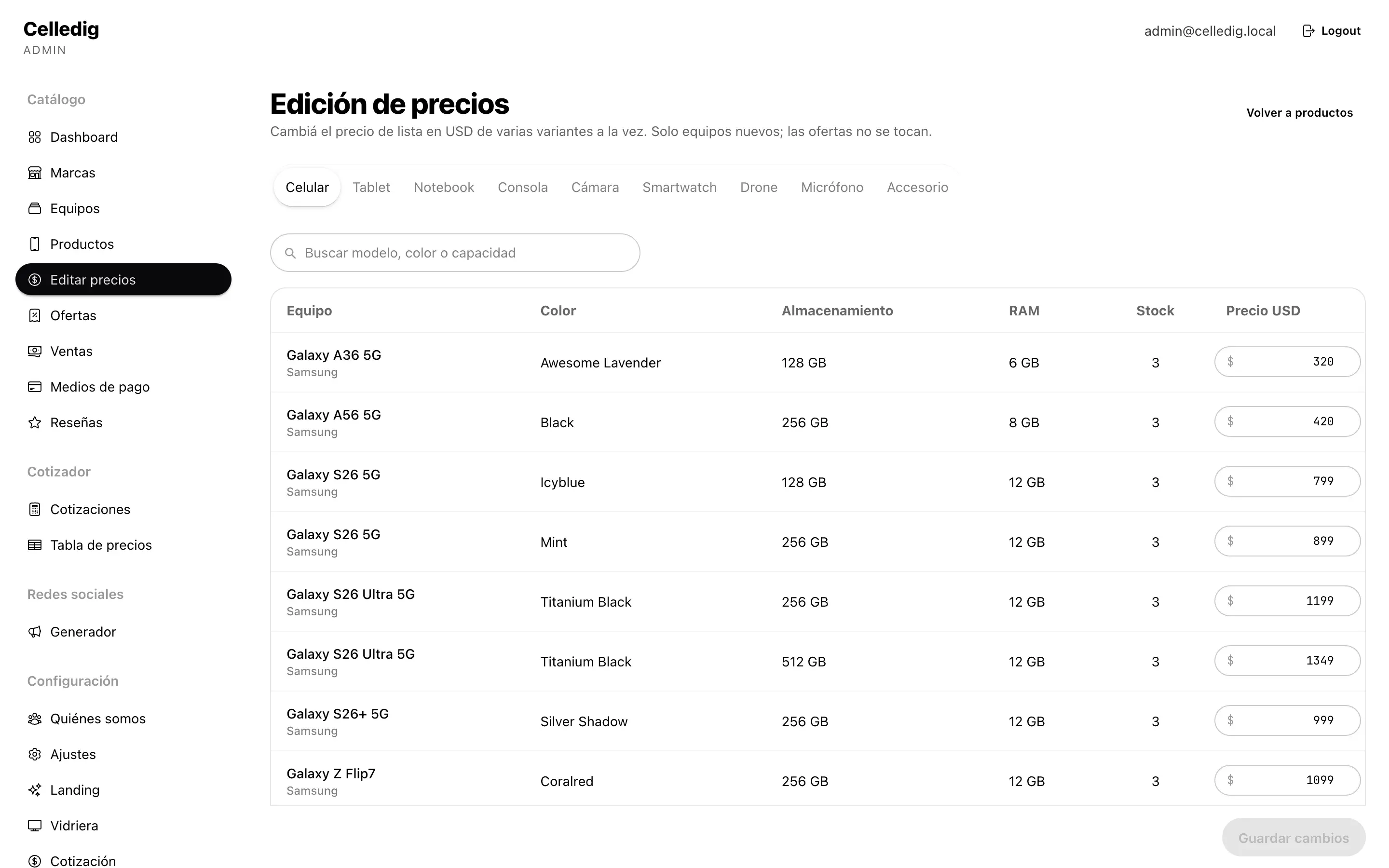
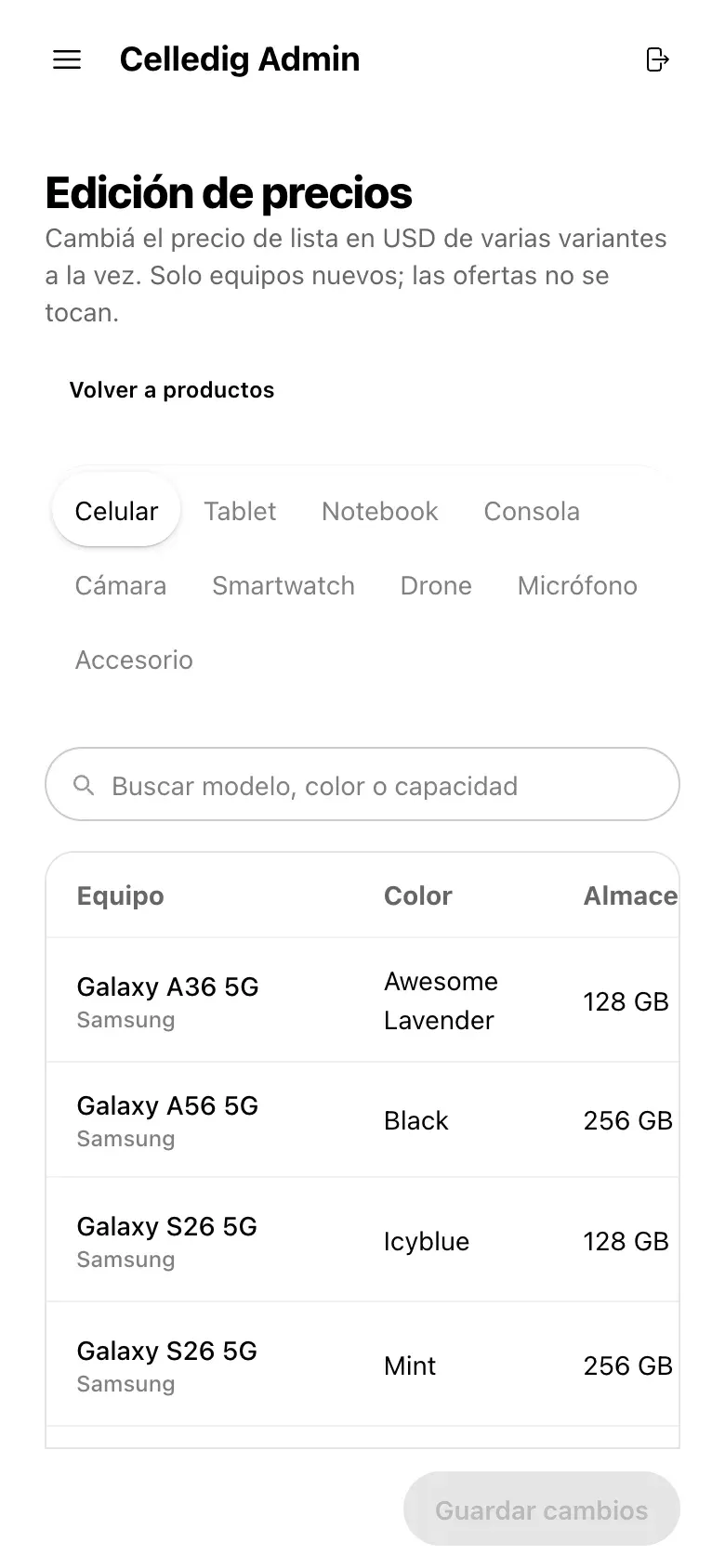
To change prices in bulk: filter by kind of device, edit the values in the table and save them all with one button.
-
The storefront on the shop's TV
A page that stays open on a screen in the shop. It rotates devices with today's price and a QR code to buy from a phone. It refreshes itself every ten minutes.

Got an idea? Write to me.
It can be something that is still only in your head, or a business that already works and needs a system. You don't need to have it all worked out, know about technology or have a big budget.
First tell me the idea. Then we'll work out together how to make it real and where to start.
I answer myself.
How working with me goes →